FLEXIPASS · Mobile Keys
Your guest app.
Now a room key.
Give guests a digital hotel room key in the FLEXIPASS app or a supported guest app. A downloaded Mobile Key opens compatible locks over Bluetooth.
Requires a supported app, device and Bluetooth lock.
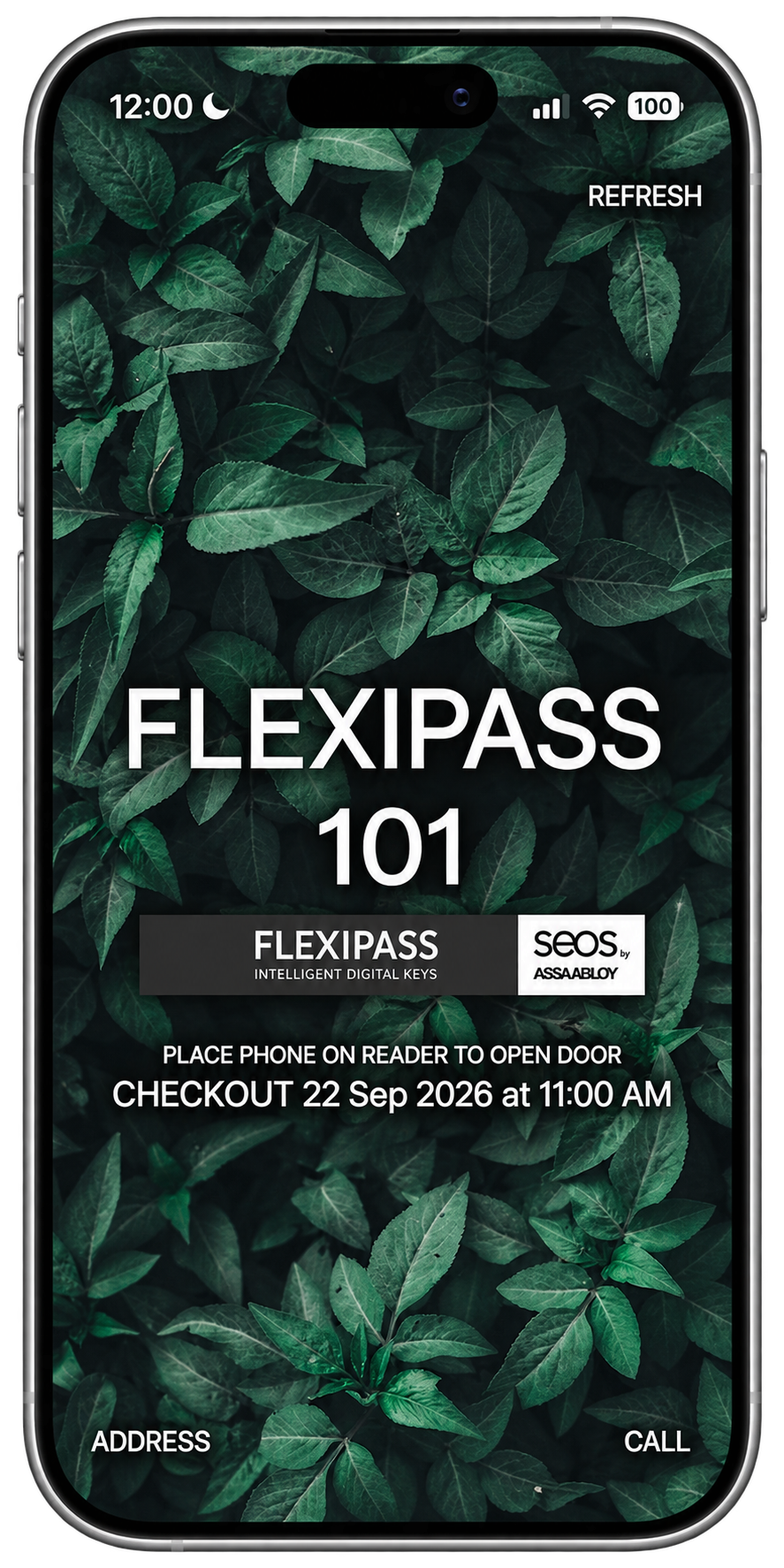
Choose the app
Use the FLEXIPASS app or integrate key functionality into a supported guest app.
Download the key
Guests need connectivity to download or update their room key.
Open with Bluetooth
Use the downloaded key with a supported lock during its validity period.
DESIGNED FOR YOUR GUEST JOURNEY
More of the stay. In one place.
Keep room access alongside the services in your guest app. A downloaded key can work without a data connection until its validity ends.
Explore the Mobile Key SDKBUILT AROUND YOUR PROPERTY
Start with your app and doors.
FLEXIPASS supports Mobile Key integrations with compatible Vingcard, dormakaba and SALTO configurations. Check the installed locks, software, Bluetooth support, guest app and PMS before rollout.
Check compatibilityBEFORE YOU GET STARTED
Good questions. Clear answers.
What is a Mobile Key?
A Mobile Key is a digital room-access credential used in a smartphone app. The app communicates with a supported lock over Bluetooth.
Can guests use a Mobile Key offline?
A downloaded key can be used without a data connection until its validity ends. Downloading or updating a key requires connectivity.
Can we use our existing guest app?
The Mobile Key SDK can add key functionality to a supported existing app. Review your app, supported devices and lock setup with FLEXIPASS.
What needs to be checked before launch?
Confirm lock compatibility, device support, Bluetooth permissions, key delivery and download workflows. Keep a physical-keycard fallback available.
How does a guest get their Mobile Key?
Your configured guest workflow sends the app and activation information. The guest installs the FLEXIPASS app or supported hotel app, activates access and downloads the key before using a compatible door.
Are Mobile Keys the same as Wallet Keys?
No. Mobile Keys use a supported app and Bluetooth lock integration. Wallet Keys are stored in a supported Apple Wallet or Google Wallet and used at compatible readers. The required hardware, software and delivery workflow differ.
YOUR NEXT WELCOME
Make room access part of your app.
See the guest experience. Find out what your property needs.
Book your demo