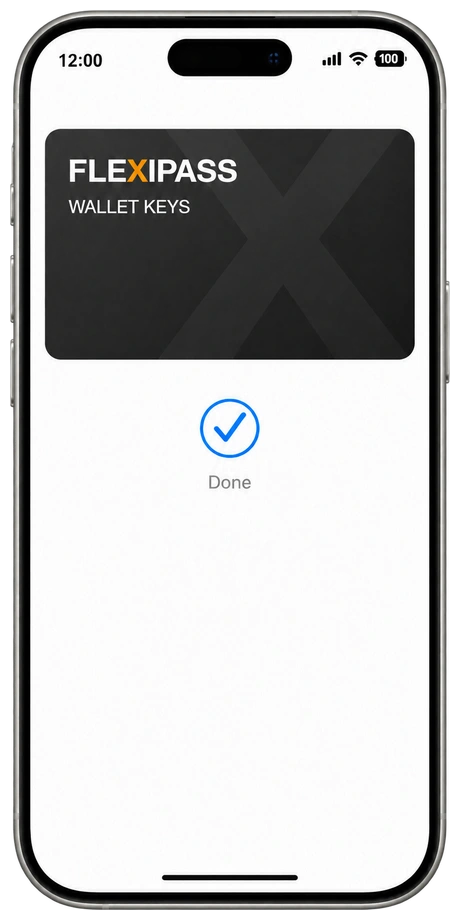
Wallet Keys
In their wallet.
A room key in Apple Wallet or Google Wallet. Tap a supported phone or watch at a compatible reader.
Explore Wallet KeysCompatible wallet, device and reader.
FLEXIPASS · DIGITAL KEYS
Compare Wallet Keys, Webkeys, Mobile Keys and PIN Codes. Choose the digital hotel key experience that fits your guests, door locks and PMS.
Wallet Keys
A room key in Apple Wallet or Google Wallet. Tap a supported phone or watch at a compatible reader.
Explore Wallet KeysCompatible wallet, device and reader.
Webkeys
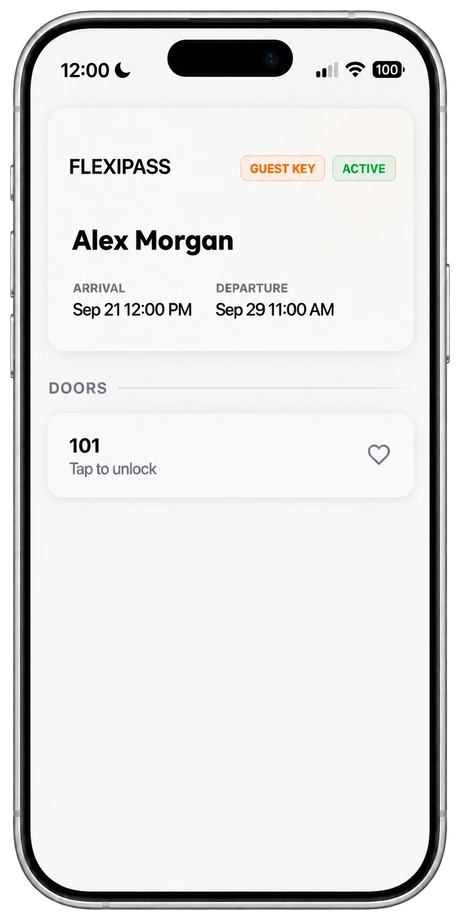
Webkeys are digital hotel room keys that open in a smartphone browser. Send a secure link through guest messaging; guests use it with a supported online lock, without downloading a separate key app.
Explore WebkeysRequires compatible online locks and connectivity.
Mobile Keys
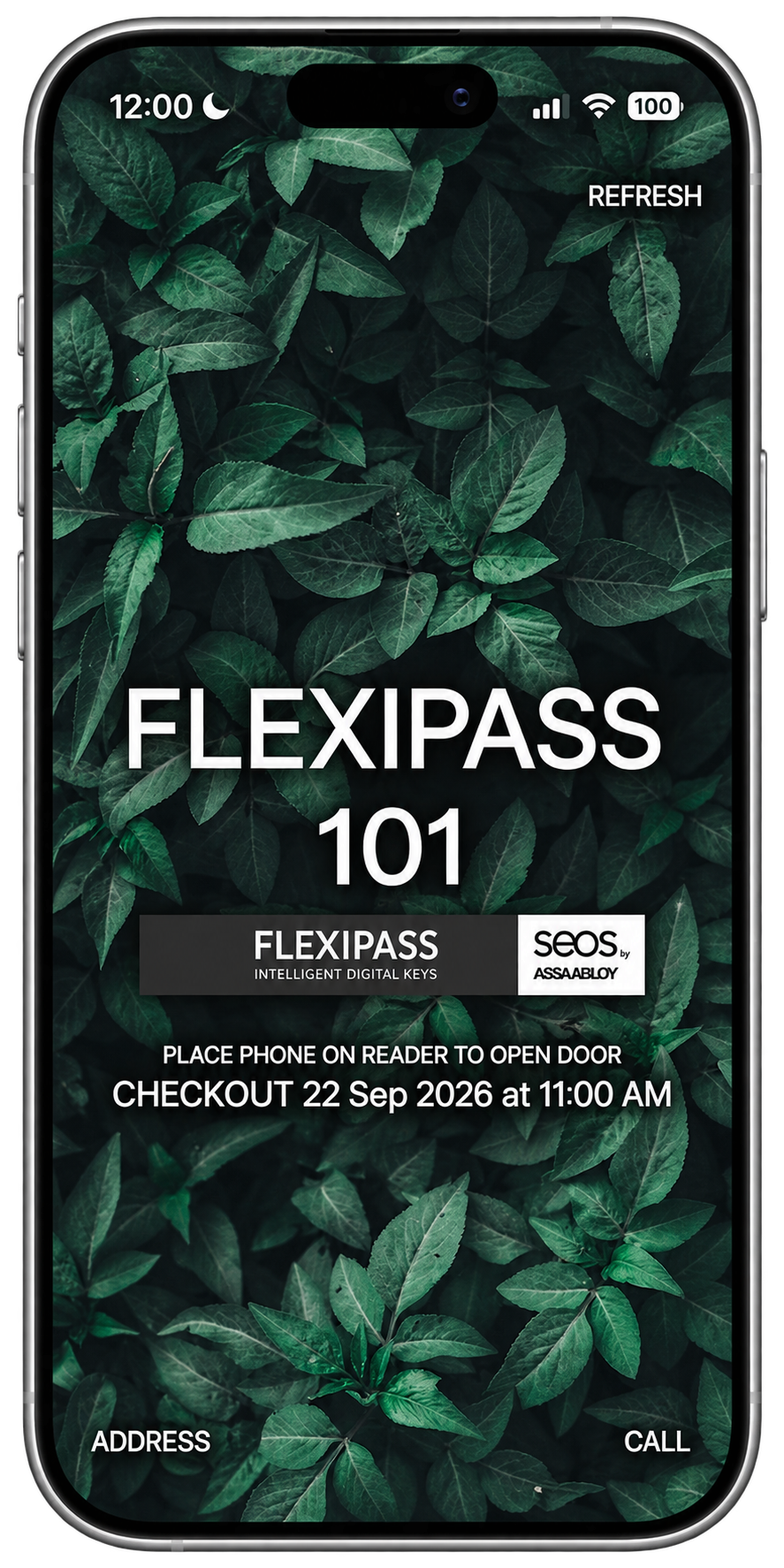
Give guests a digital hotel room key in the FLEXIPASS app or a supported guest app. A downloaded Mobile Key opens compatible locks over Bluetooth.
Explore Mobile KeysRequires a supported app, device and Bluetooth lock.
PIN Codes
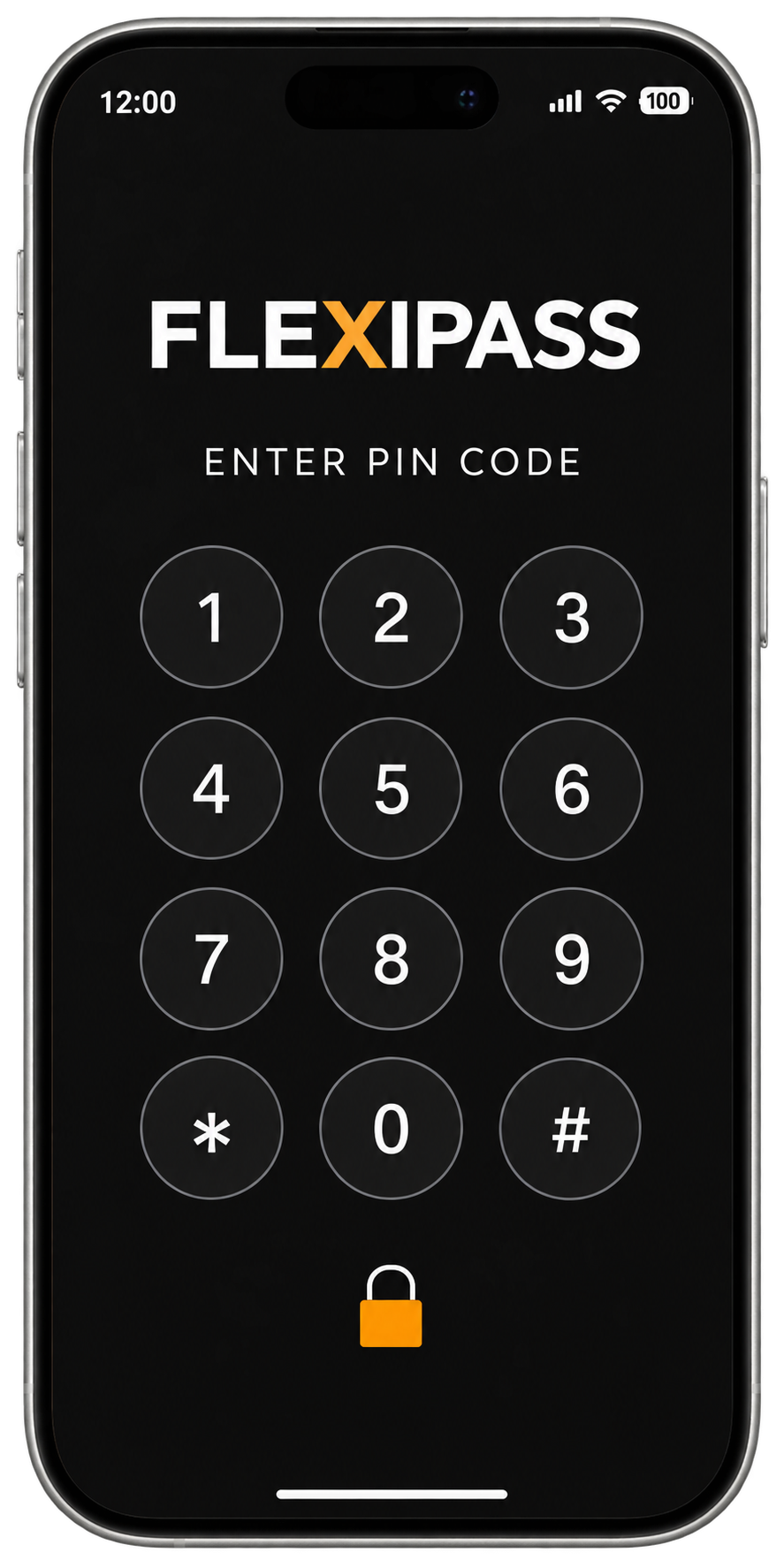
Give guests a hotel door PIN code for a compatible keypad. The FLEXIPASS PIN Codes API connects supported online lock systems to your access and guest communication workflow.
Explore PIN CodesRequires a supported online lock system and compatible keypad.
YOUR SYSTEMS. WORKING TOGETHER.
Connect room access with the systems your property uses. Check compatibility before choosing your guest experience.
Check property compatibilityBEFORE YOU GET STARTED
Choose around your installed locks, access software, guest devices and delivery workflow. Wallet Keys, Webkeys, Mobile Keys and PIN Codes have different compatibility requirements.
Wallet Keys live in a supported device wallet. Webkeys run in a smartphone browser with supported online locks. Mobile Keys work through a compatible app over Bluetooth. PIN Codes are entered at a compatible door keypad.
Yes. Keep a physical-keycard process available for guests with unsupported or unavailable devices and as part of your fallback plan.
Hotels can offer Wallet Keys in supported device wallets, Webkeys through browser links, Mobile Keys in compatible apps, or PIN Codes at supported door keypads. The right option depends on the installed locks, access software, PMS and guest journey.
A valid Mobile Key that has already been downloaded can work without a data connection in supported Bluetooth configurations. Webkeys and the PIN Code integrations listed here require supported online setups. Confirm the behavior and fallback procedures for your exact system.
Choose your PMS and door-lock provider with its software configuration in the FLEXIPASS compatibility checker. The results show the technologies listed for both and their requirements. Confirm the installed hardware, firmware, licences and delivery workflow before rollout.
See the options with your property in mind.
Book a product demo